
See Firsty Express in Action
Discover how the Firsty Express plugin and its companion features fit together by exploring our live demonstrations. Every demo guides you through a genuine part of the platform, letting you assess the experience first-hand.
Adding the Firsty Express Plugin to Your Website
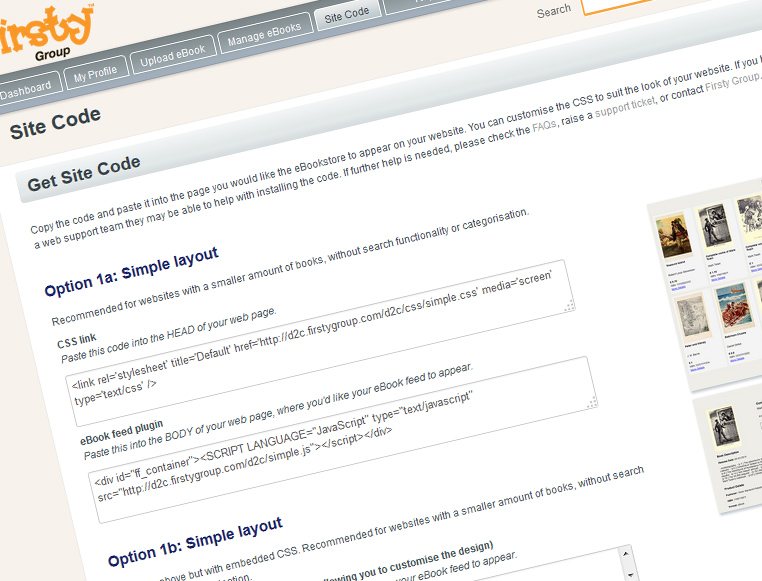
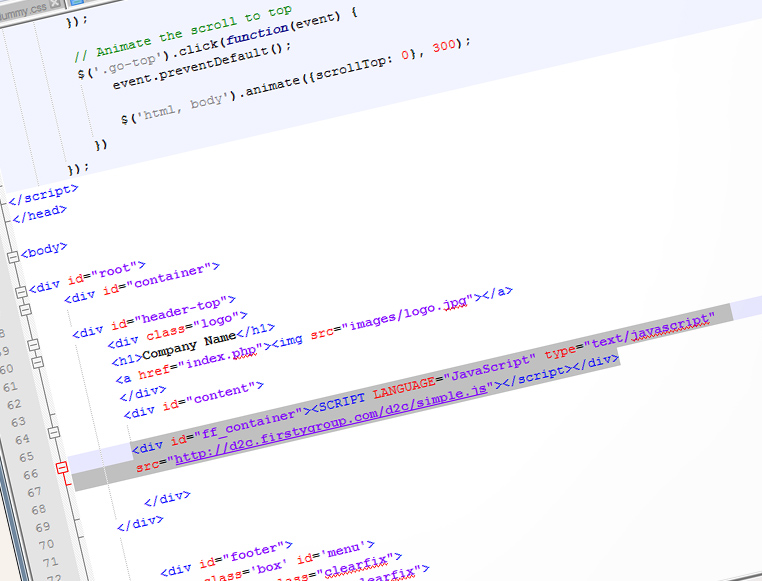
Opening Site Code in the Firsty Express control panel gives you a set of JavaScript and CSS layout options to copy and paste directly into your own site, activating your book feed. Display your catalogue as a single simple grid, as categorised listings, or with full search functionality — then either link to the default stylesheets or customise your own CSS so the feed matches your site's design perfectly.
Walk Through the Customer Journey
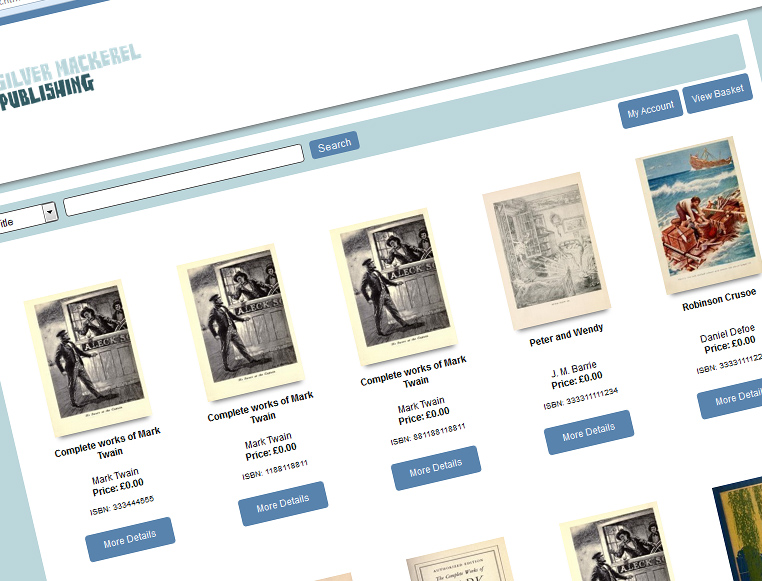
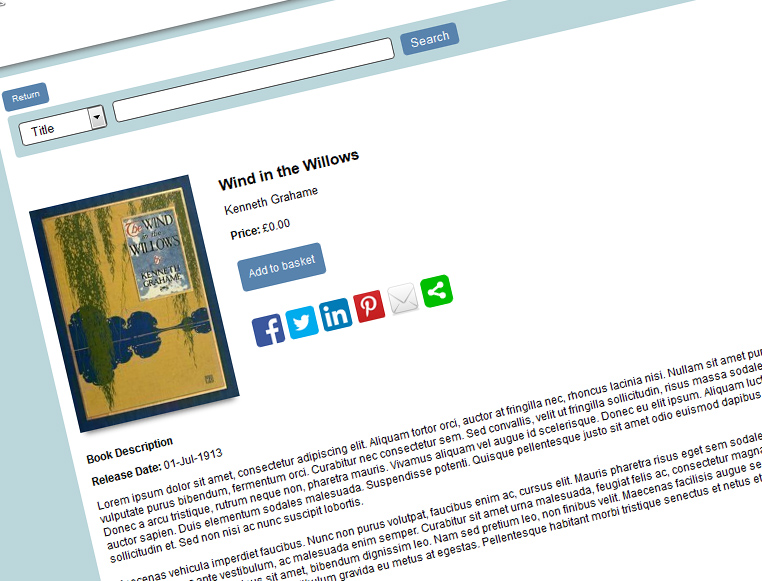
Unsure how your titles will look on your own pages? Want a clearer view of the functionality and user experience? We have put together a demo storefront where you can browse titles, open a product page, share it on social networks, and add a title to your basket. You will also see a publisher-branded customer registration area before the final checkout step. The entire journey is seamless and designed to help every sale complete successfully.
Explore the Publisher Admin Dashboard
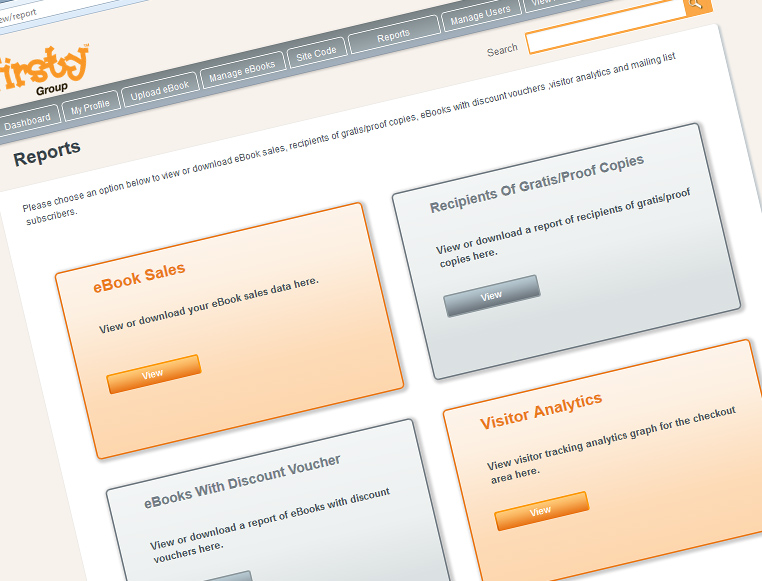
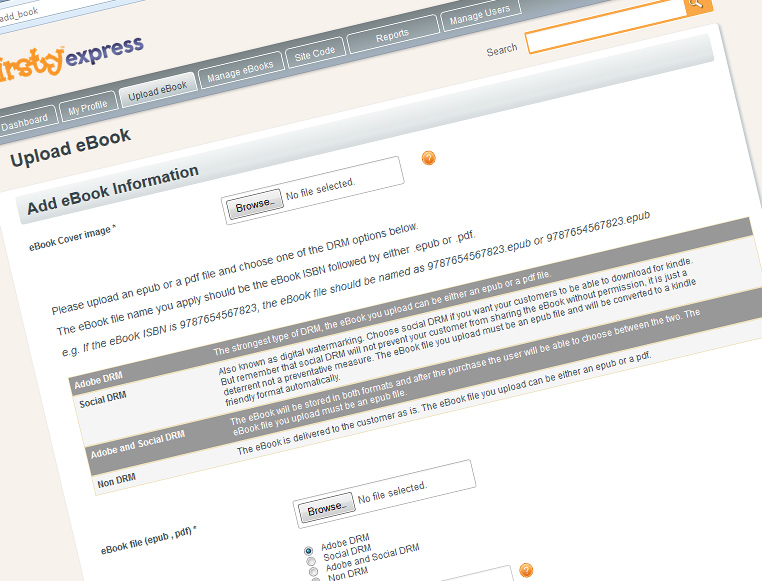
We have created a truly straightforward admin dashboard for publishers. From it you can review sales, edit title data, set DRM levels, run price campaigns, create vouchers, manage customers, issue gratis copies and much more. You can even decide up front how your customer-facing front end should look, thanks to a choice of embeddable code snippets. Take a look at our demo admin area to see the functionality you can expect as a Firsty Express client, using the login details below.
- Username: [email protected]
- Password: demo
Reading Titles in the Online Browser Reader
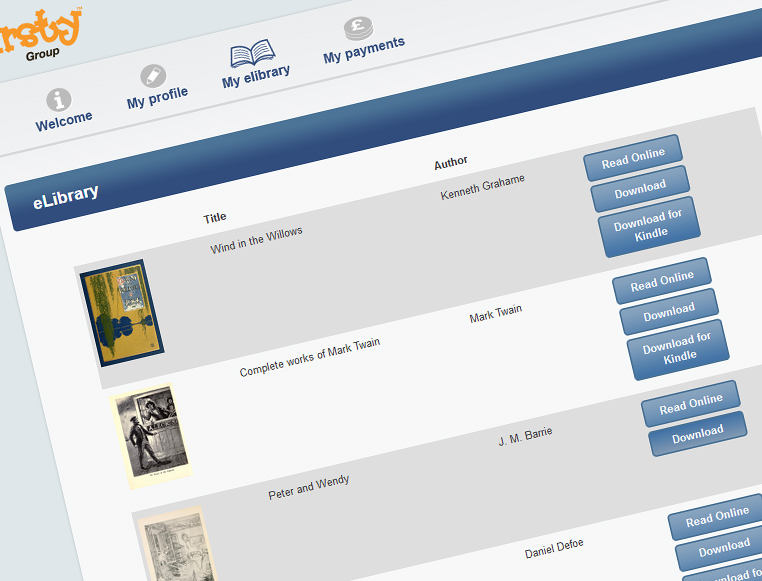
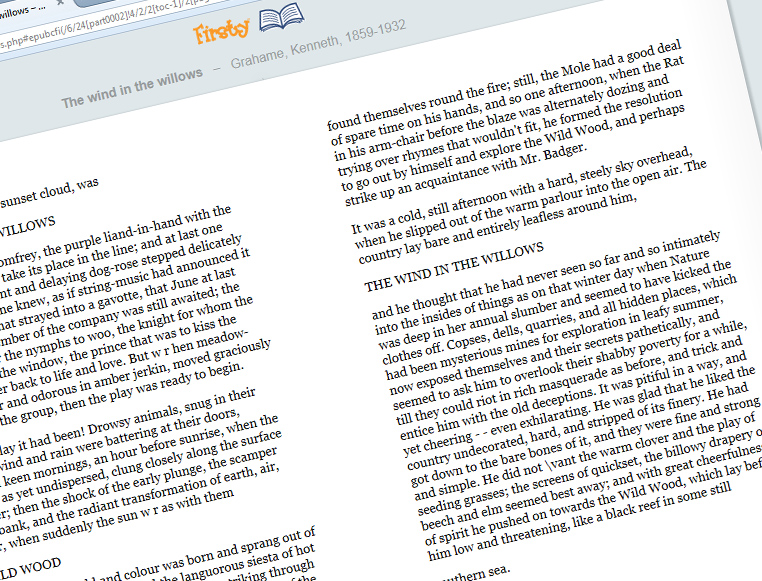
This is an exciting development. As well as offering your titles with full DRM and digital watermarking, we now let you sell them as browser-based online readers. A simple buy, click and read online approach removes any hesitation customers may feel about downloading unfamiliar files — it really could not be easier.
Coming soon.
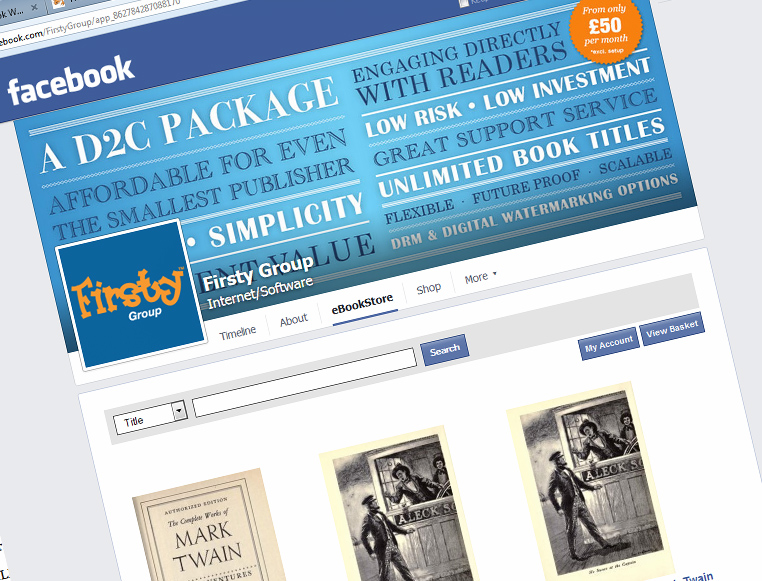
Creating a Facebook Store
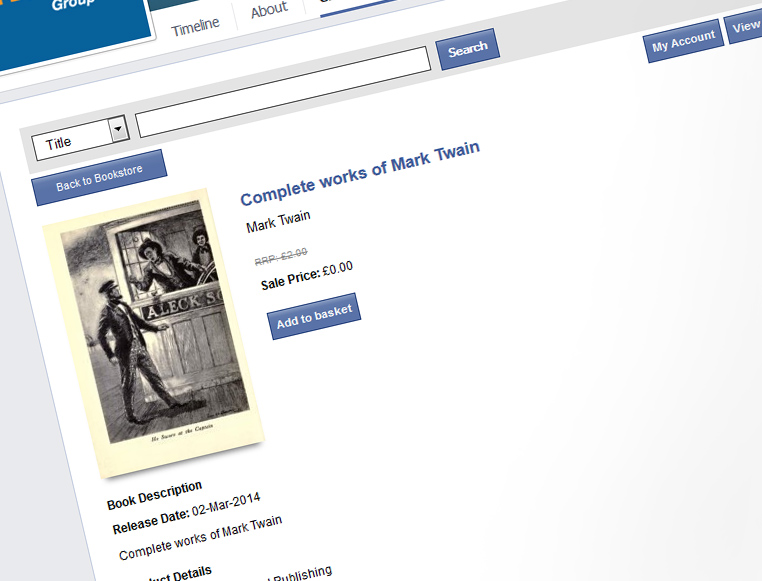
With the new FirstyExpress Facebook Bookstore plug-in, your Facebook page becomes a real shop rather than just a shop window. Your fans can browse a product in the store, like it and share it — and, crucially, buy it. Shoppers simply add the title to their basket inside Facebook, continue with the purchase, and are redirected seamlessly into the FirstyExpress checkout to complete the transaction. It is beautifully simple.
Stay in Touch
Get in touch with our team or follow Firsty Group across our other sites and social channels.
Customer Login Email Us


© Firsty Group 2014 · Tel: 01635 581185 · [email protected]
Each demo on this page reflects a real part of the Firsty Express platform, from the embeddable Site Code options to the publisher admin dashboard and the browser-based reader. Use them together to see how the storefront, checkout and admin tools connect, and to judge how your own catalogue would look and behave in practice.